HTC HD2 riceve la prima ROM con Android 6 Marshmallow
Ecco che l'intramontabile HTC HD2 riceve anche l'ultimo firmware aggiornato basato su Android 6 Marsmallow. Lo smartphone immortale è basato su un porting del firmware CyanogenMod 13 (non ufficiale) e...
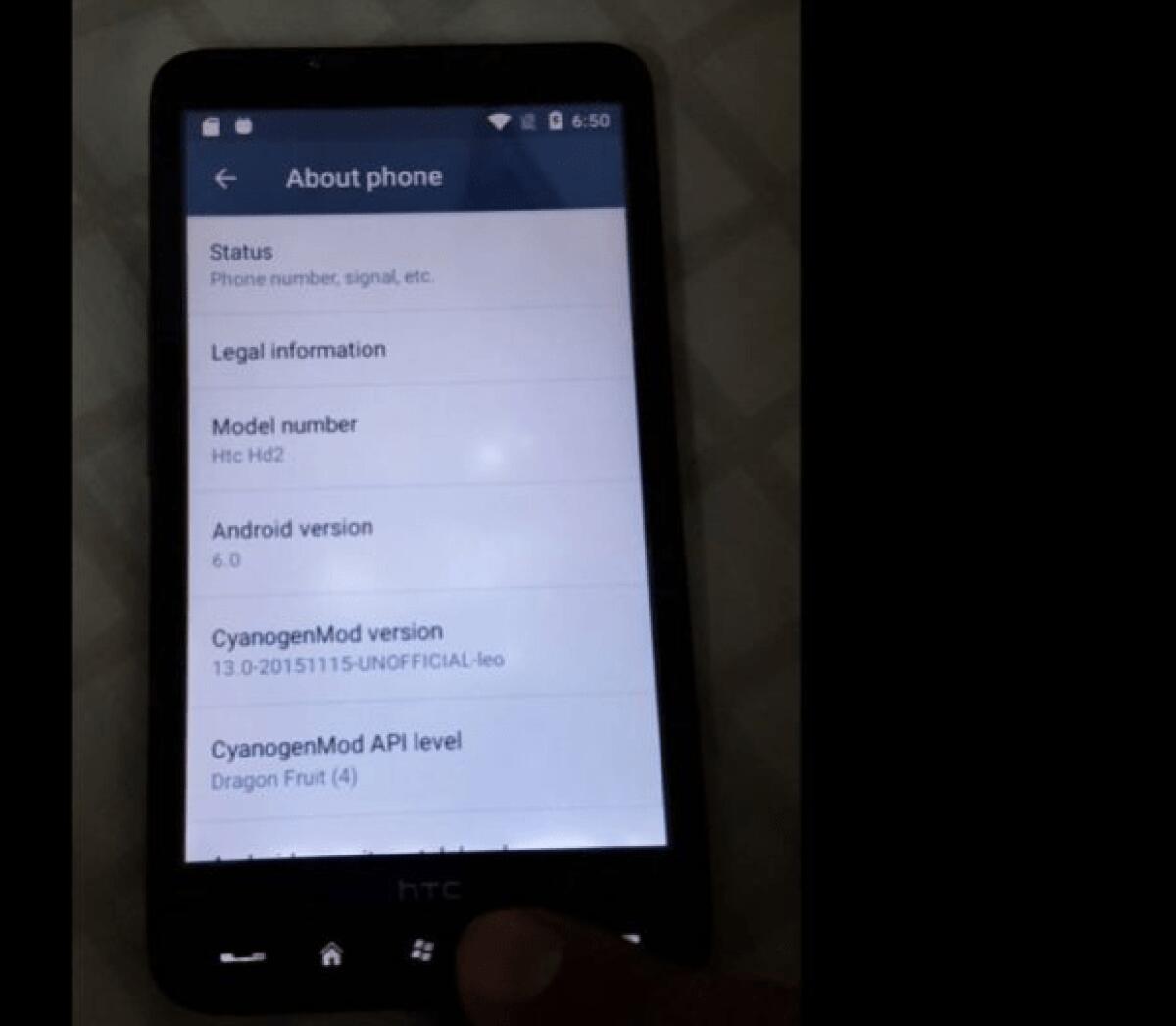

Ecco che l'intramontabile HTC HD2 riceve anche l'ultimo firmware aggiornato basato su Android 6 Marsmallow. Lo smartphone immortale è basato su un porting del firmware CyanogenMod 13 (non ufficiale) e che è basato proprio su Marshmallow. L'installazione non è semplice, ma se siete possessori di questo fantastico smartphone avrete già smanettato abbastanza provando un po tutti i sistemi operativi e sebbene l'elenco delle feature non funzionanti sia piuttosto esteso il funzionamento del display, dell'audio via jack per le cuffie, il WiFi e l'utilizzo via adb al momento non funziona il bluetooth ed il modulo GMS dunque non potete utilizzarlo con la SIM inserita ma comunque vi lascio alla guida in inglese presa da XDA per l'installazione che ovviamente ha come requisiti l'installazione di MAGLDR e di una Recovery modificata.
Guida installazione Android 6 Marshmallow su HTC HD2
- You need MAGLDR installed
- Use NativeSD RECOVERY by downloading and extracting the folder name "recovery" into your sdcard. Then in MAGLDR, Choose boot folder as "recovery" in "Services > BootSettings > AD SD Dir".... Then Boot "AD SD"
- You need a sdcard with 2 sd-ext partitions. You can create using recovery or laptop. You can use ext4 or f2fs. But you should make sure that both partitions are of the same format. Which mean if sdext is ext4 then sd-ext2 also should be ext4. ---OR--- if sdext is f2fs then sd-ext2 also should be f2fs. If you had additional swap or sdext3 partition, no problem, it will not interfere with the ROM. No need to remove addtional partition swap or sd-ext if any exist.
- Reboot to recovery again..
- Now copy the zip to the ROM and Install the ROM
- Reboot to MAGDLR
- Choose boot folder as NativeSD folder in MAGLDR > Services > BootSettings > AD SD Dir
- Boot AD SD (Boot time take 20 mins... )
- You can install both ROM (Like NativeSD ROM ) as ROM install in separate folder.
CM13.0 - Non ufficiale - Kernel 3.0.101
👉 Iscriviti al canale WhatsApp di YourLifeUpdated
Ricevi solo le notizie e le guide più importanti, senza spam.
Hai bisogno di aiuto o consigli rapidi?
💬 Supporto diretto: entra nel gruppo Telegram – CLICCA QUI
👥 In alternativa, unisciti al nostro Gruppo Facebook
🔥 Le migliori offerte tech, ogni giorno
💰 Unisciti al gruppo OFFERTE TECH (oltre 16.000 utenti)
Seleziono solo offerte davvero convenienti per farti risparmiare tempo e denaro.
Seguici anche qui:
📰 Google News o Facebook – per non perdere nessuna novità
🎥 YouTube – recensioni oneste, test e guide pratiche
💡 Vuoi risparmiare su Amazon?
🚀 Prova Amazon Prime gratis oppure
🛒 scopri le migliori offerte Amazon di oggi