Controlla fino a 50 videocamere dal tuo PC con CamSurveillance
Controlla fino a 50 videocamere dal tuo PC con CamSurveillanceCamSurveillance ti offre il supporto per una casa e un ufficio sicuro. È possibile avere fino a 50 Telecamere di Rete (telecamere con indi...
Controlla fino a 50 videocamere dal tuo PC con CamSurveillance
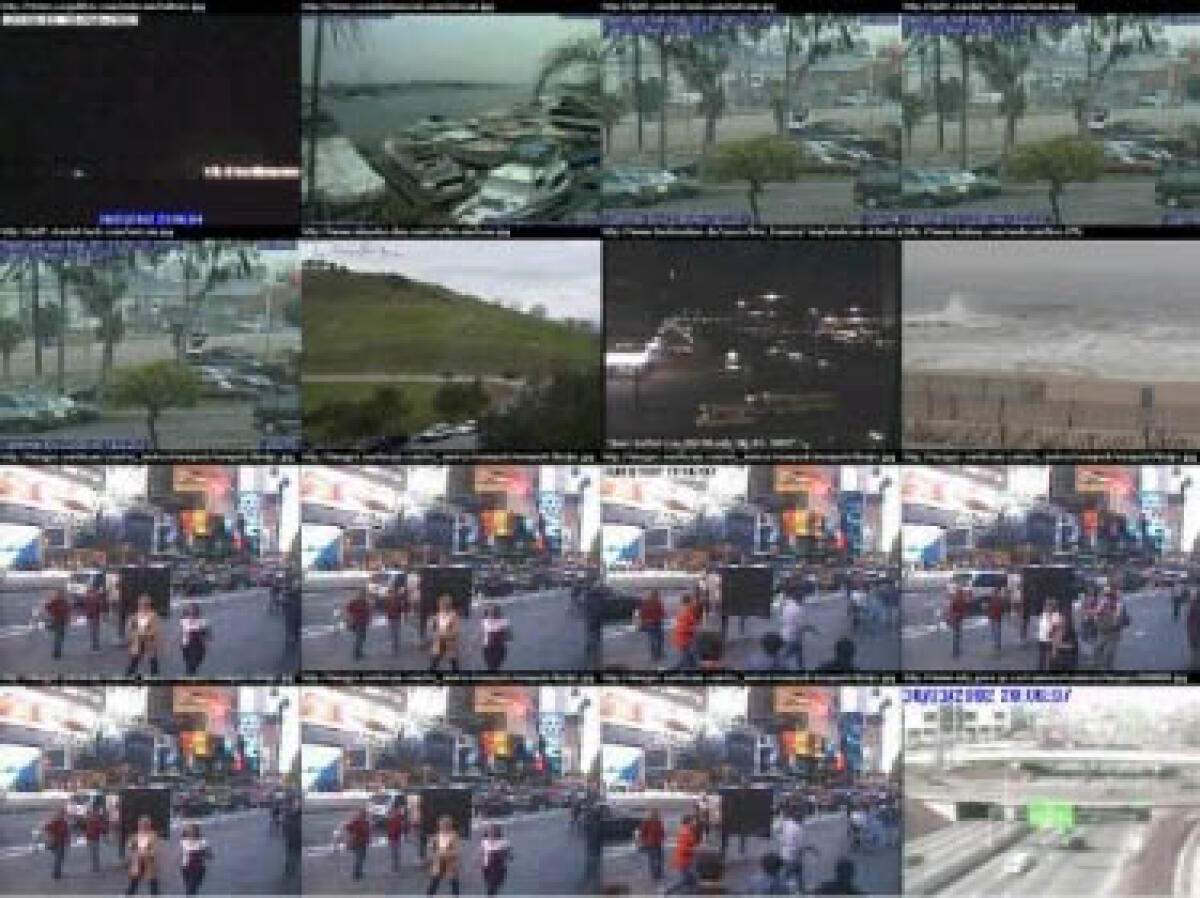
CamSurveillance ti offre il supporto per una casa e un ufficio sicuro. È possibile avere fino a 50 Telecamere di Rete (telecamere con indirizzo IP) con rilevatori di movimento simultaneamente! Sono disponibili molte impostazioni per la finestra video, il rilevatore di movimenti e per l'azione al rilevamento di movimento. CamSurveillance ti offre il supporto per una società società. Regola fino a 50 telecamere di rete con indirizzo IP con rilevamento di movimento e falle funzionare simultaneamente.
Network Camera
- Network Camera - Receives the network camera pictures from your local LAN or from the Internet.
- Only the IP-address and picturename are needed to support a network camera ( pictures must be in JPG format ).
- See what is going on within your company from all installed LAN cameras.
- No real connected webcam is needed.!
- Record a video ( AVI ) of the selected netcam.
Video Window
- Up to 50 network camera video windows are simultaneous possible.
- Combine the video windows on your desktop, to see all videos simultaneous at each moment.
- Display the video in original camera size or in your prefered resolution.
- Picture Format - Select the video picture format from 24 bit color, down to 1 bit black/white.
- Hide the video window, so that the motion detection is working in the background and no person recognize it. You can also hide the application taskbar button and the systray icon if you like.
- Zoom into the video window. Select easy with the right mouse button which area of the video window should be zoomed.
Motion Detector
- Relevant Areas - Select the areas of the video picture that are relevant for the motion detection, by painting.
- Picture Difference - Adjust the picture difference in % ( of the relevant areas ) at which a motion detection occurs.
- Picture Format - Select the intern picture format from 24 bit color, down to 1 bit black/white to improve the detection.
- Display difference - display the picture difference (all different pixels ) within the video preview window.
- Action at Detection - Select the functions that will be carried out at when motion is detected: take pictures, record videos (AVI), execute any external programs, update a log file, play a sound, FTP transfer, send Emails and other actions. Tip: If you want to run these functions in intervals without an occurrence of motion, adjust the picture difference to 0%.
- Video recording - Select whether you want the file name to be the same each time or if you want a new file at each detection ( file_00001.avi ... file_99999.avi ). You can specify the maximum number of files to create, test the available harddisk space, build the filename with time and date and much more. You can select if the video should recorded with a specific length or so long until no more motion is detected.
- Picture taking - Select whether you want the file name to be the same each time or if you want a new file at each detection ( file_00001.jpg ... file_99999.jpg ). You can specify the maximum number of files to create, test the available harddisk space, build the filename with time and date and much more.
- Test for motion once per x seconds, or as often as possible.
- Different test modes - compare the current picture against the picture when the detection started, against the previous picture, or against the last picture without a detection.
Solo per oggi, CamSurveillance 2.2 è offerto gratuitamente.
Per usufruire dell’offerta dovete scaricare ed installare il programma cliccando sul link al fondo dell’articolo, dovete scompattate il file .ZIP, quindi avviare il file .EXE appena scaricato e installate il programma seguendo la procedura guidata di CamSurveillance 2.2 una volta completata l'installazione cliccate sul file di testo ReadMe.txt per sapere come ricevere la licenza gratuita in modo da attivare la versione completa di CamSurveillance 2.2.
Potete scaricare CamSurveillance 2.2 gratis cliccando sul seguente pulsante:
Download CamSurveillance 2.2 Gratis
👉 Iscriviti al canale WhatsApp di YourLifeUpdated
Ricevi solo le notizie e le guide più importanti, senza spam.
Hai bisogno di aiuto o consigli rapidi?
💬 Supporto diretto: entra nel gruppo Telegram – CLICCA QUI
👥 In alternativa, unisciti al nostro Gruppo Facebook
🔥 Le migliori offerte tech, ogni giorno
💰 Unisciti al gruppo OFFERTE TECH (oltre 16.000 utenti)
Seleziono solo offerte davvero convenienti per farti risparmiare tempo e denaro.
Seguici anche qui:
📰 Google News o Facebook – per non perdere nessuna novità
🎥 YouTube – recensioni oneste, test e guide pratiche
💡 Vuoi risparmiare su Amazon?
🚀 Prova Amazon Prime gratis oppure
🛒 scopri le migliori offerte Amazon di oggi