Creare, modificare e condividere screenshot su Windows
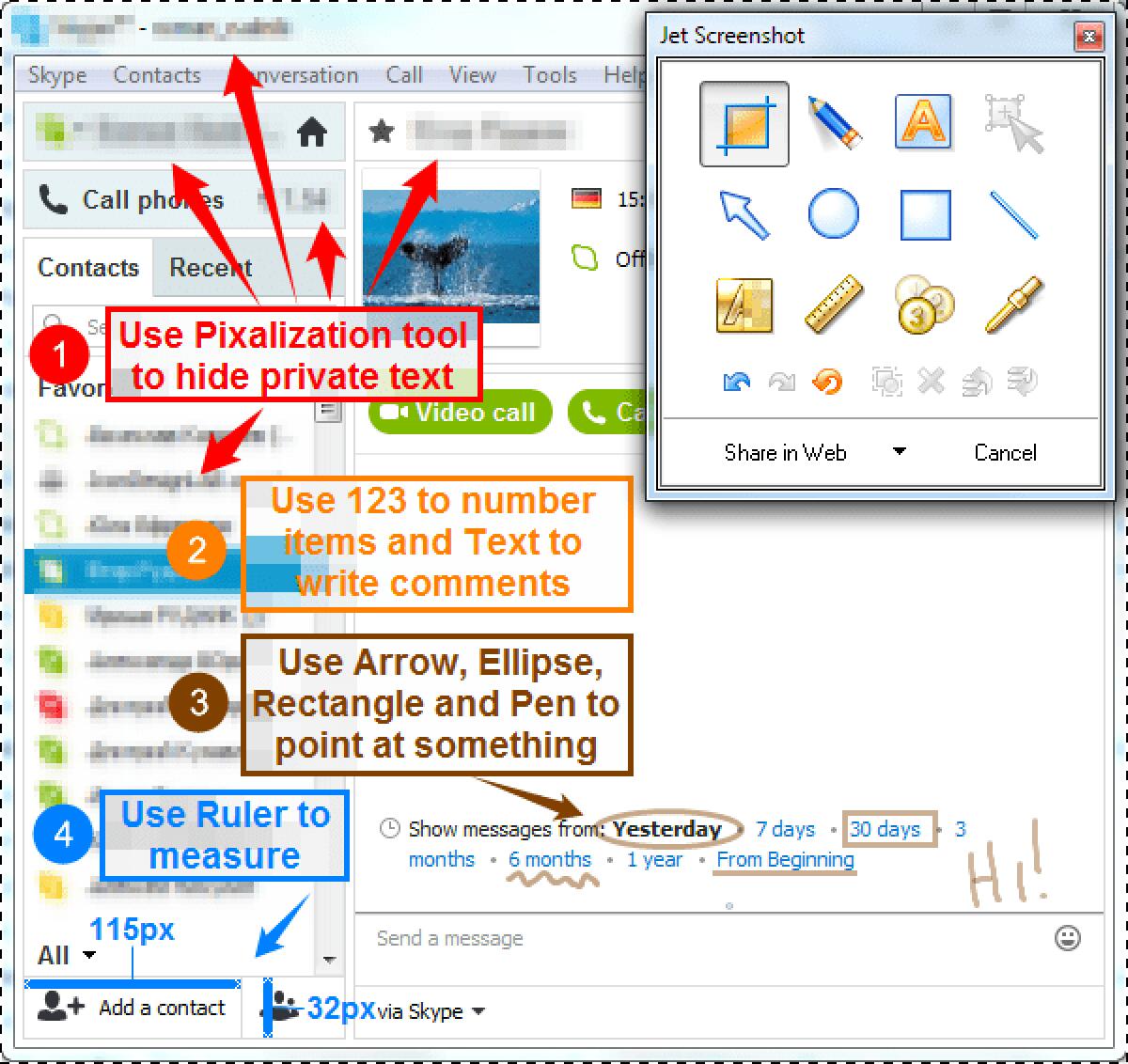
Creare, modificare e condividere screenshot su WindowsJet Screenshot è un servizio di cattura immagine schermo che ti permette di condividere gli screenshot online in pochi secondi. Scatta uno screens...
Creare, modificare e condividere screenshot su Windows
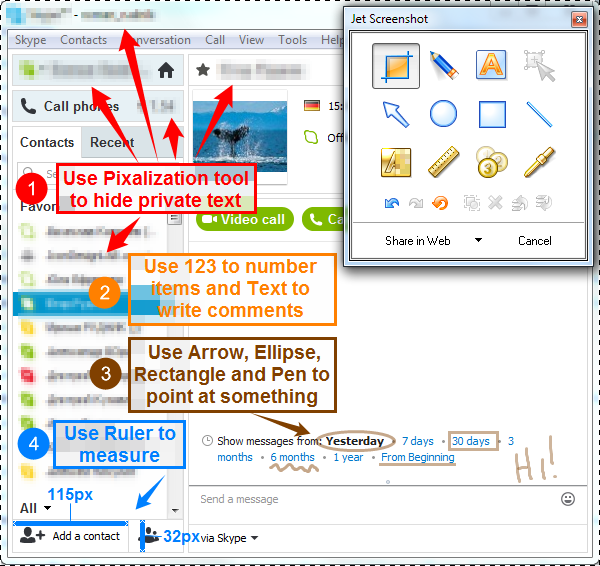
Jet Screenshot è un servizio di cattura immagine schermo che ti permette di condividere gli screenshot online in pochi secondi. Scatta uno screenshot, edita e invialo via web immediatmanete a chiunque per mezzo di un link all'immagine. È una soluzione perfetta per esperti che lavorano da remoto: programmatori, disegnatori, QA tester, blogger, specialisti di assitenza tecnica, sale manager, ecc. Tutto quello che devi fare è premere Ctrl+V per inviare l'URL. Jet Screenshot non richiede l'installazione di tool di terzi. Il destinatario deve solo cliccare il link inviato.
- Developers sitting in the same room would no longer have to jump to one another's monitor just to glance at what's shown there. Looking at the picture from outside the room would no longer involve tedious e-mailing and employing expensive image editing software.
- For quality assurance experts, Jet Screenshot is the way to quickly pin-point a discovered bug.
- For technical assistance specialists it's the way to show the screen to a newbie without installing any software on the newbie's computer.
- Designers can take advantage of the opportunity to quickly coordinate their work with customers.
- In the remote education, the software helps to focus student's attention on a specific area of the screen and doesn't require the installation of any software on the student's computer.
- Sales managers equipped with Jet Screenshot could demonstrate the most attractive of the proposed benefits to prospective customers instead of creating full-fledged presentations and bother the customers about installing of Power Point/Flash on their computers.
- Unlike video conferencing, Jet Screenshot doesn't devour network bandwidth and perfectly compliments audio conferencing.
Solo per oggi, Jet Screenshot Home 3.1 è offerto gratuitamente.
Per usufruire dell’offerta dovete scaricare ed installare il programma cliccando sul link al fondo dell’articolo, dovete scompattate il file .ZIP, quindi avviare il file .EXE appena scaricato e installate il programma seguendo la procedura guidata di Jet Screenshot Home 3.1 una volta completata l'installazione cliccate sul file di testo ReadMe.txt per sapere come ricevere la licenza gratuita in modo da attivare la versione completa di Jet Screenshot Home 3.1.
Potete scaricare Jet Screenshot Home 3.1 gratis cliccando sul seguente pulsante:
Download Jet Screenshot Home 3.1 Gratis
👉 Iscriviti al canale WhatsApp di YourLifeUpdated
Ricevi solo le notizie e le guide più importanti, senza spam.
Hai bisogno di aiuto o consigli rapidi?
💬 Supporto diretto: entra nel gruppo Telegram – CLICCA QUI
👥 In alternativa, unisciti al nostro Gruppo Facebook
🔥 Le migliori offerte tech, ogni giorno
💰 Unisciti al gruppo OFFERTE TECH (oltre 16.000 utenti)
Seleziono solo offerte davvero convenienti per farti risparmiare tempo e denaro.
Seguici anche qui:
📰 Google News o Facebook – per non perdere nessuna novità
🎥 YouTube – recensioni oneste, test e guide pratiche
💡 Vuoi risparmiare su Amazon?
🚀 Prova Amazon Prime gratis oppure
🛒 scopri le migliori offerte Amazon di oggi