Rimappare i tasti sulla tastiera del nostro PC
Download Key Remapper gratis: Rimappare i tasti sulla tastiera del nostro PCKey Remapper permette di bloccare e rimappare i tasti della tastiera ma anche i pulsanti del mouse e le azioni della rotella...
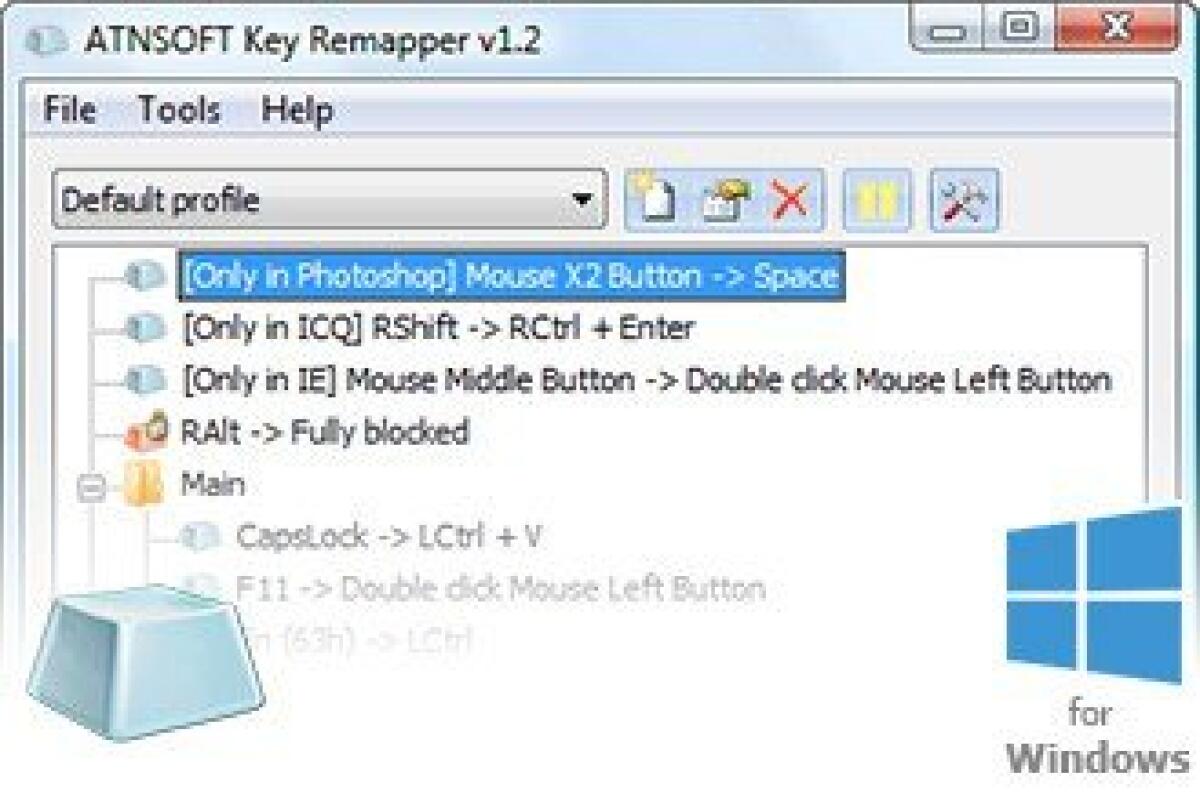
Download Key Remapper gratis: Rimappare i tasti sulla tastiera del nostro PC
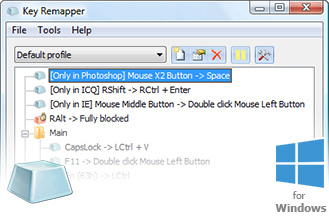
Key Remapper permette di bloccare e rimappare i tasti della tastiera ma anche i pulsanti del mouse e le azioni della rotella del mouse. Potrete personalizzare tutti i tasti velocemente associando un'azione particolare per ogni click del mouse, pressioni dei tasti e consentire di impostare l'intervallo necessario tra le pressioni per associare l'azione giusta come avviare un programma, bloccare una schermata e molto altro in base alle nostre esigenze.
Caratteristiche Key Remapper
- Remap keys, mouse button presses and the mouse wheel rotation to different values and even to non-existing keys and mouse buttons. For example, you can replace CapsLock with “Middle mouse button”, F11 – by “Mouse wheel down”, F12 – by Win, Browser Home or “Mouse button X2” (which can be physically missing on your input devices).
- Perform reverse remapping of keys and mouse buttons, i.e. virtually change their functions. For instance, you can virtually swap the Right Shift and Enter keys, the “Middle mouse button” and the Left Shift key.
- Replace specific keys or mouse buttons by key or mouse button combinations with modifiers. For instance, you can replace the Browser Forward key (usually found on multimedia keyboards) by the Alt+Shift+Esc (quick switching between programs) combination, replace the X1 mouse button by the Ctrl+C (copy) combination, assign the Ctrl+”Left mouse button” combination to the right Alt key.
- Emulate double mouse button and key presses and set the necessary interval between presses (double click with a delay).
- Block (disable) keys, mouse buttons, the mouse wheel rotation and their combinations with various modifiers.
- Restrict remapping and blocking to specific programs and windows. For instance, you can configure the software to allow the replacement of the X1 mouse button by Space only in program A and nowhere else. Another example would be: allow NumLock to be replaced by the Ctrl+C+C (double press of the “C” key) combination everywhere except for windows with the word “B” in their title.
Solo per oggi, Key Remapper 1.9 è offerto gratuitamente.
Per usufruire dell’offerta dovete scaricare ed installare il programma cliccando sul link al fondo dell’articolo, dovete scompattate il file .ZIP, quindi avviare il file .EXE appena scaricato e installate il programma seguendo la procedura guidata di Key Remapper 1.9 una volta completata l'installazione cliccate sul file di testo ReadMe.txt per sapere come ricevere la licenza gratuita in modo da attivare la versione completa di Key Remapper 1.9.
Potete scaricare Key Remapper 1.9 gratis cliccando sul seguente pulsante:
Download Key Remapper 1.9 Gratis
👉 Iscriviti al canale WhatsApp di YourLifeUpdated
Ricevi solo le notizie e le guide più importanti, senza spam.
Hai bisogno di aiuto o consigli rapidi?
💬 Supporto diretto: entra nel gruppo Telegram – CLICCA QUI
👥 In alternativa, unisciti al nostro Gruppo Facebook
🔥 Le migliori offerte tech, ogni giorno
💰 Unisciti al gruppo OFFERTE TECH (oltre 16.000 utenti)
Seleziono solo offerte davvero convenienti per farti risparmiare tempo e denaro.
Seguici anche qui:
📰 Google News o Facebook – per non perdere nessuna novità
🎥 YouTube – recensioni oneste, test e guide pratiche
💡 Vuoi risparmiare su Amazon?
🚀 Prova Amazon Prime gratis oppure
🛒 scopri le migliori offerte Amazon di oggi