Rimuovi la chiavetta USB in tutta sicurezza su Windows
Rimuovi la chiavetta USB in tutta sicurezza su WindowsHai mai smarrito dati importanti a causa di una rimozione inappropriata del drive esterno? Windows non ti permette di arrestare un dispositivo? Ha...
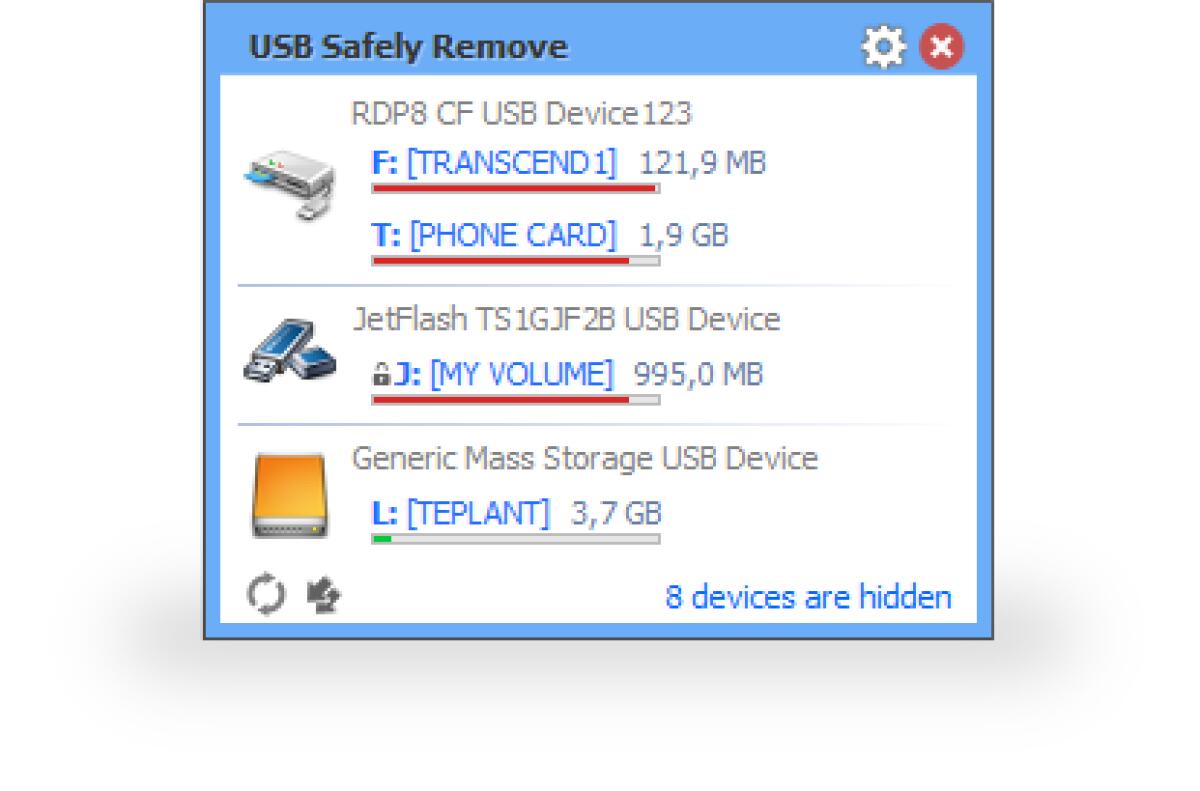
Rimuovi la chiavetta USB in tutta sicurezza su Windows
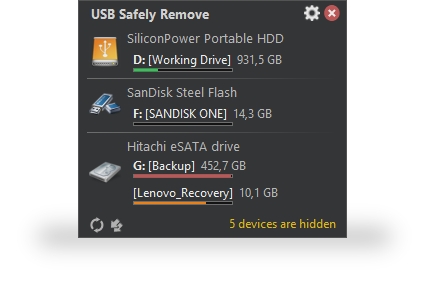
Hai mai smarrito dati importanti a causa di una rimozione inappropriata del drive esterno? Windows non ti permette di arrestare un dispositivo? Hai per errore arrestato un drive che non volevi rimuovere? USB Safely Remove risolve questi e anche altri inconvenienti di sicura rimozione in Windows e offre molte altre funzioni per un lavoro conveniente e sicuro con dispositivi esterni.
Features
Much more convenience Safely remove a device via the convenient menu or a hotkey, remove unneeded devices from the menu, setup icons or names for the devices. Besides even if you stop a device accidentally you can return it in a click.Save data and devices Even if the device cannot be safely removed the program will show you locking processes and allow you to forcibly stop it so that you avoid incorrect removal of the device. Besides the program can power off the devices in Windows Vista\7.Automate and speed up work Use command line tool in your scripts or a powerful autorun manager to automate backup to external drives, check for viruses and many more daily tasks.Organize drive letters Clean up your drive letter list by automatic hiding letters of unused card reader slots, fix drive letters to a specific device or even forbid some letters from assigning to external drives for backup purposes or thirdparty software.Solo per oggi, USB Safely Remove 6.1 è offerto gratuitamente.
Per usufruire dell’offerta dovete scaricare ed installare il programma cliccando sul link al fondo dell’articolo, dovete scompattate il file .ZIP, quindi avviare il file .EXE (se presente nel file) appena scaricato ed installate il programma seguendo la procedura di installazione guidata di USB Safely Remove 6.1 ed una volta completata l'installazione cliccate sul file di testo ReadMe.txt per sapere come ricevere la licenza gratuita in modo da attivare la versione completa di USB Safely Remove 6.1.
Potete scaricare USB Safely Remove 6.1 gratis cliccando sul seguente pulsante:
Download USB Safely Remove 6.1 Gratis
👉 Iscriviti al canale WhatsApp di YourLifeUpdated
Ricevi solo le notizie e le guide più importanti, senza spam.
Hai bisogno di aiuto o consigli rapidi?
💬 Supporto diretto: entra nel gruppo Telegram – CLICCA QUI
👥 In alternativa, unisciti al nostro Gruppo Facebook
🔥 Le migliori offerte tech, ogni giorno
💰 Unisciti al gruppo OFFERTE TECH (oltre 16.000 utenti)
Seleziono solo offerte davvero convenienti per farti risparmiare tempo e denaro.
Seguici anche qui:
📰 Google News o Facebook – per non perdere nessuna novità
🎥 YouTube – recensioni oneste, test e guide pratiche
💡 Vuoi risparmiare su Amazon?
🚀 Prova Amazon Prime gratis oppure
🛒 scopri le migliori offerte Amazon di oggi