Sincronizzare l'ora del nostro PC al millisecondo
Sincronizzare l'ora del nostro PC al millisecondoAdvanced Time Synchonizer offre una precisione di sincronizzazione al millisecondo (invece, la sincronizzazione incorporata di Windows offre precisione...
Sincronizzare l'ora del nostro PC al millisecondo
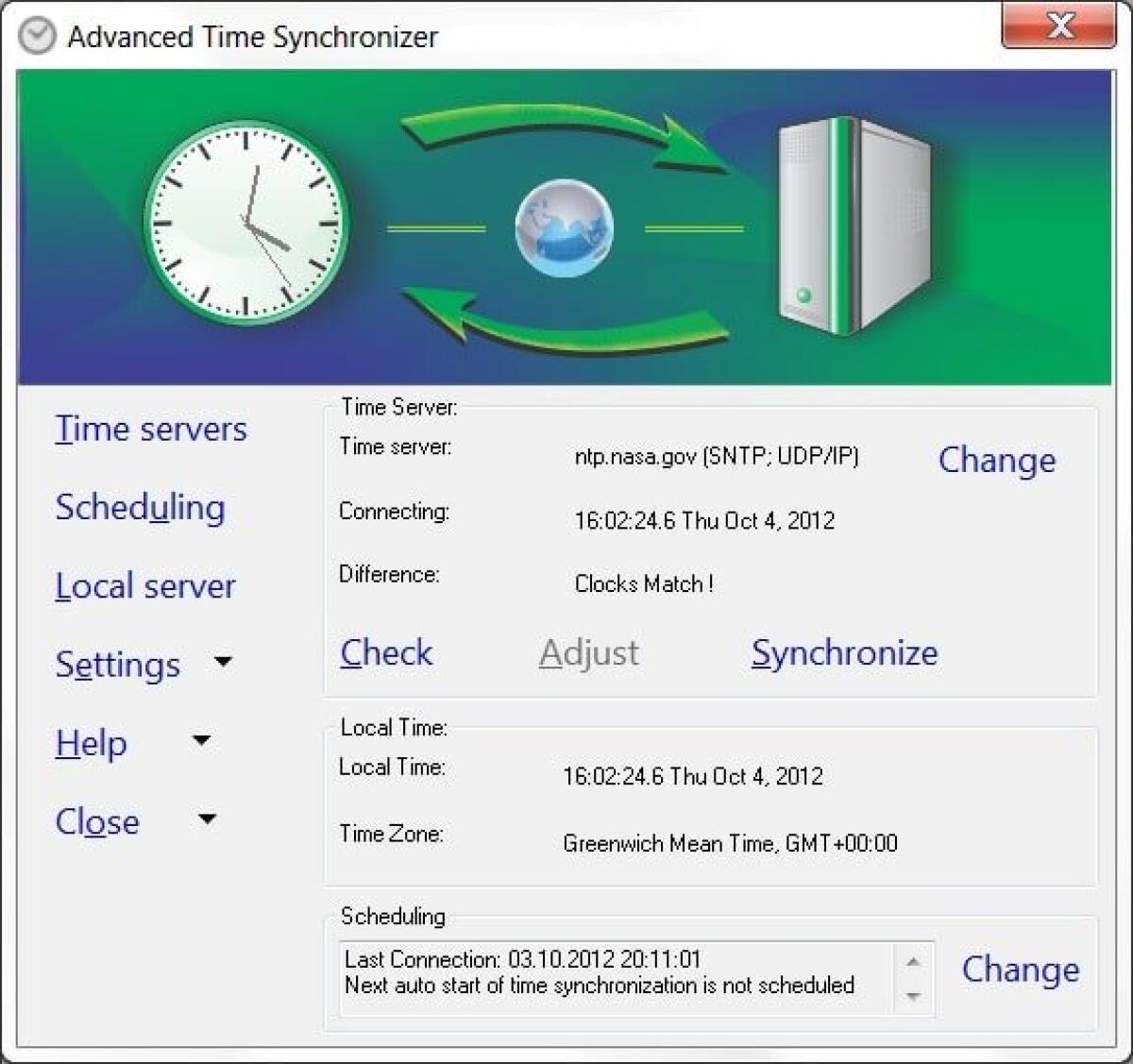
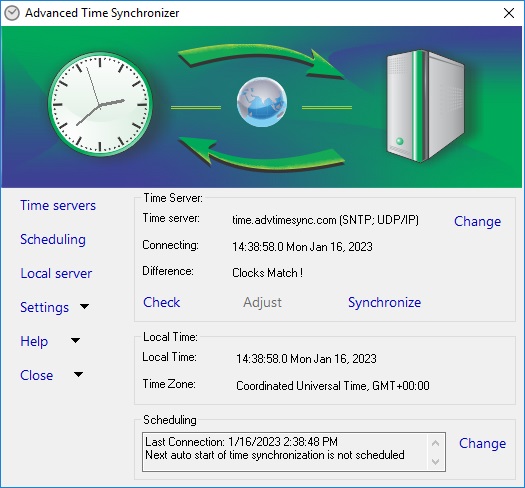
Advanced Time Synchonizer offre una precisione di sincronizzazione al millisecondo (invece, la sincronizzazione incorporata di Windows offre precisione al secondo). Il programma mantiene l'orologio del PC sincronizzato consultando i server dell'orario ad intervalli. Può essere installato come server temporale per una rete locale, e come servizio per lavorare in maniera trasparente per utenti loggati. Puoi trovare altre caratteristiche sul sito ufficiale.
Features
- Keeps your PC clock in synchronization with exactest time servers in Internet;
- Supports three network time synchronization protocols: Simple Network Time Protocol (SNTP), Time Protocol and Daytime Protocol;
- Easy to configure. Windows 2000/XP/Server 2003/Server 2008/Vista/7/8 Desktop 32 and 64-bit compatible;
- Keeps the computer clocks of your whole network synchronized. The workstations don't need access to the Internet or any other time sources;
- Synchronizes PC clock automatically connecting all servers in the list one by one until either the time is successfully synchronized or the list is over;
- Can be launched as a Windows Service and start working even before the user logs onto the system;
- Unlimited number of servers in the list and the easily configured each server in the list;
- Automatically synchronizes time at startup or at certain intervals from one hour to one month;
- Waits for an established dial-up connection to synchronize the time;
- Automatically establishes and terminates a dial-up connection;
- Supports HTTP, SOCKS4, SOCKS4A and SOCKS5 proxy servers;
- Includes command line tool that can be launched from the command line or from batch files;
- Contains a large list of pre-defined time servers;
- Works as a time server in the local area network;
- Accessible over system tray;
- Shows balloon tool tips when time synchronized;
- Keeps statistics of all time synchronization attempts performed;
- Calculates average clock drift from time synchronization corrections;
- Full rfc2030, rfc868 and rfc867 compliant;
- Multi-language interface;
- Compatible with all modern 32 and 64 bit Windows operating systems;
- Free support and upgrades to registered users.
Solo per oggi, Advanced Time Synchonizer 4.3 è offerto gratuitamente.
Per usufruire dell’offerta dovete scaricare ed installare il programma cliccando sul link al fondo dell’articolo, dovete scompattate il file .ZIP, quindi avviare il file .EXE appena scaricato e installate il programma seguendo la procedura guidata di Advanced Time Synchonizer 4.3 una volta completata l'installazione cliccate sul file di testo ReadMe.txt per sapere come ricevere la licenza gratuita in modo da attivare la versione completa di Advanced Time Synchonizer 4.3.
Potete scaricare Advanced Time Synchonizer 4.3 gratis cliccando sul seguente pulsante:
Download Advanced Time Synchonizer 4.3 Gratis
👉 Iscriviti al canale WhatsApp di YourLifeUpdated
Ricevi solo le notizie e le guide più importanti, senza spam.
Hai bisogno di aiuto o consigli rapidi?
💬 Supporto diretto: entra nel gruppo Telegram – CLICCA QUI
👥 In alternativa, unisciti al nostro Gruppo Facebook
🔥 Le migliori offerte tech, ogni giorno
💰 Unisciti al gruppo OFFERTE TECH (oltre 16.000 utenti)
Seleziono solo offerte davvero convenienti per farti risparmiare tempo e denaro.
Seguici anche qui:
📰 Google News o Facebook – per non perdere nessuna novità
🎥 YouTube – recensioni oneste, test e guide pratiche
💡 Vuoi risparmiare su Amazon?
🚀 Prova Amazon Prime gratis oppure
🛒 scopri le migliori offerte Amazon di oggi